Property and client records
Keep the address, client, appointment, property details, rooms, systems, and inspection history connected.

ItemtopiaPro gives professional home inspectors a structured workspace for each property. Capture what was inspected, what was found, where it is located, how serious it is, and which photos and notes belong in the client record.
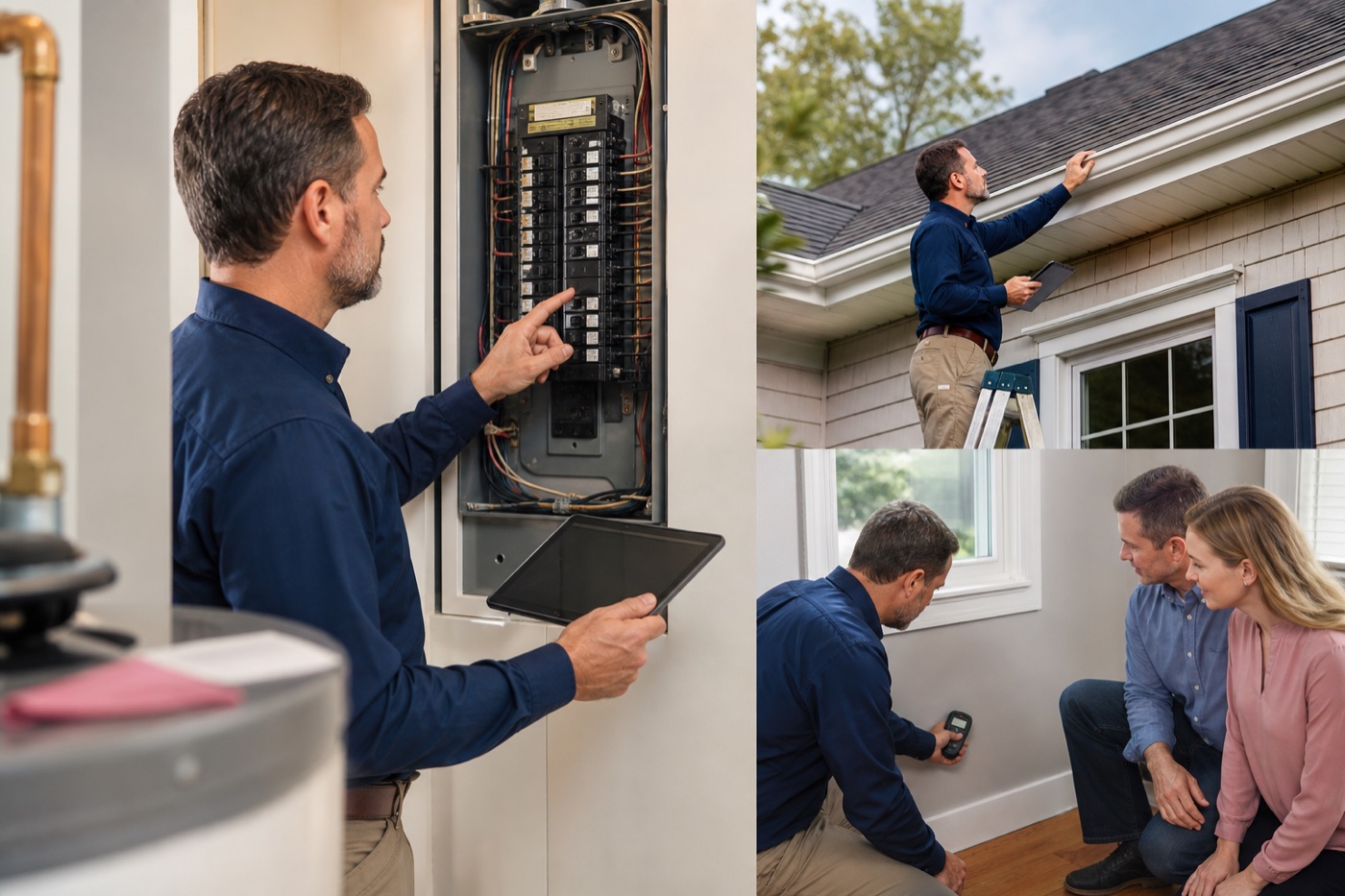
Document home inspection findings, photos, severity, rooms, systems, client details, schedules, and reports with ItemtopiaPro.
Keep the address, client, appointment, property details, rooms, systems, and inspection history connected.
Document deficiencies, observations, recommendations, severity, status, and the exact area or system involved.
Attach clear photos, notes, documents, and supporting details while moving through the property.
Use consistent modules, groups, fields, and checklists without losing room for unusual properties or findings.
Organize findings and evidence so reports and follow-up conversations are easier to prepare and understand.
Keep past inspections, repairs, documents, equipment details, and future reminders attached to the property record.
No. The Home Inspections module connects property details, systems, findings, severity, photos, clients, schedules, documents, and reports.
Yes. Teams can configure modules, groups, fields, statuses, and issue boards around their inspection process and the types of properties they serve.
Yes. The property record can continue to hold equipment, documents, repairs, warranties, service history, and future inspection information.